Relation

Help

First steps, guides and the most common questions. Anything else by email.

Getting started

  1. Talk. Tell a few sentences about someone, spoken or typed.
  2. Review. Relation shows every detail it found with the words it came from. You tick what's right.
  3. Get reminded. Relation reminds you of birthdays, follow-ups and when to get back in touch.

Guides

Tell about someone

  1. In the People tab, tap plus at the top and choose “Tell about someone”.
  2. Enter the name and tap the microphone, or just type.
  3. Tap “Analyse”.
  4. Under “Here's what I heard”, tick what's right and choose “Add”.
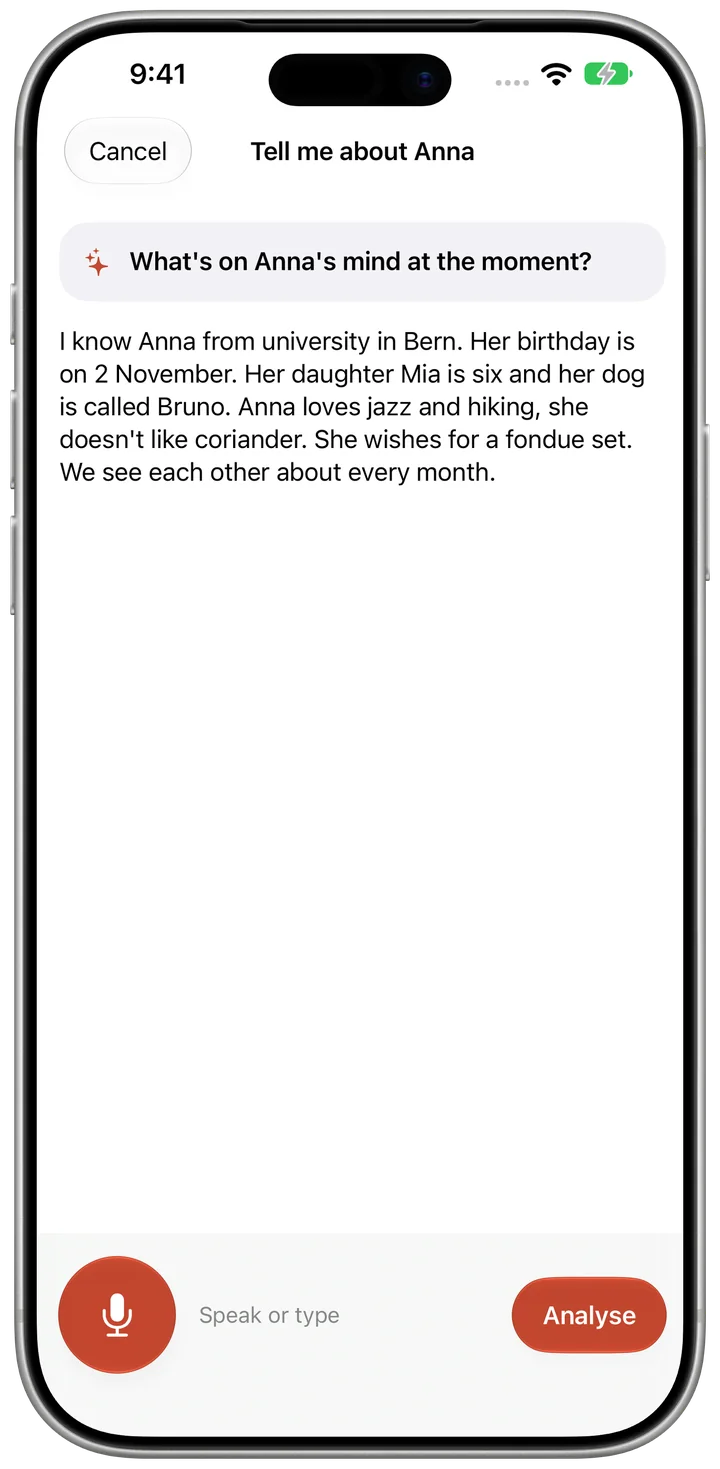
Tell about someone

Log a meetup

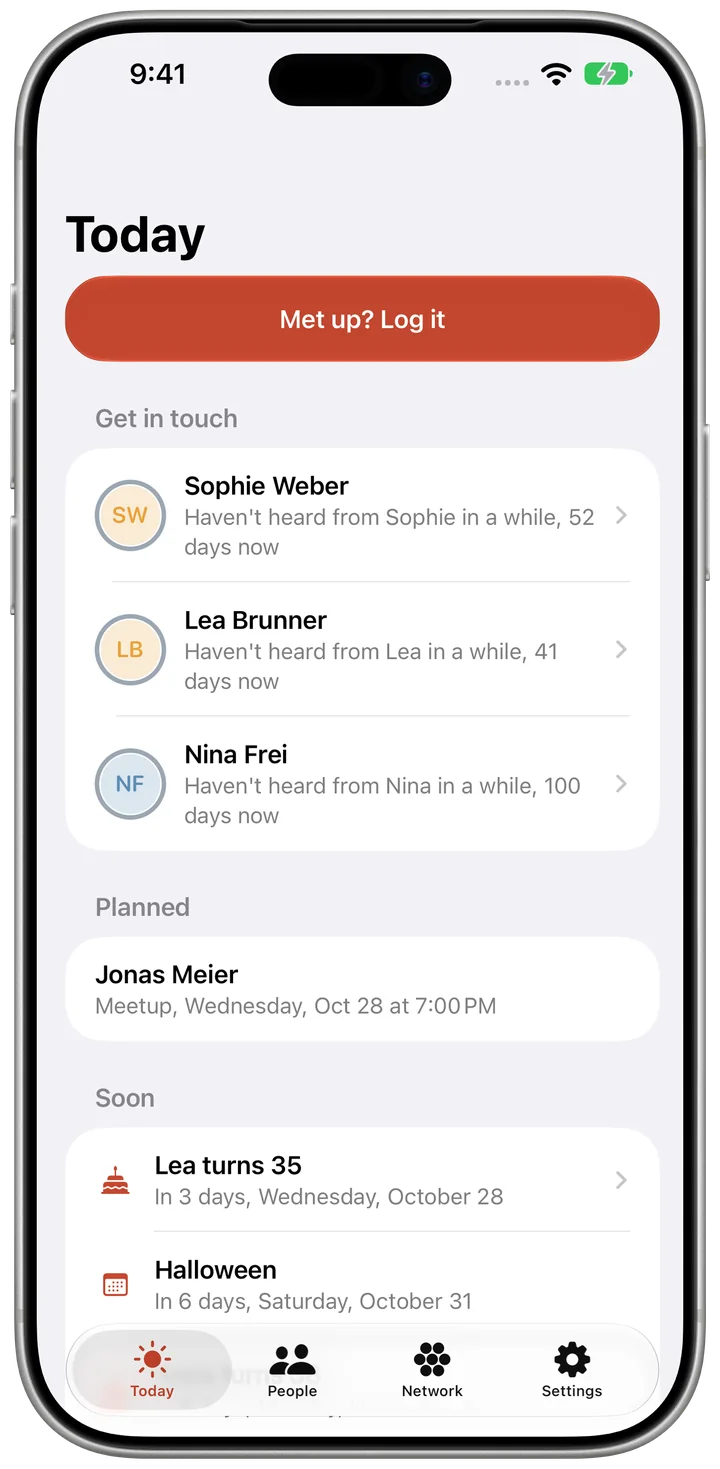
  1. In the Today tab, tap “Met up? Log it”.
  2. Tap the person.
  3. Tap “Save”.
Log a meetup

Set the keep-in-touch rhythm

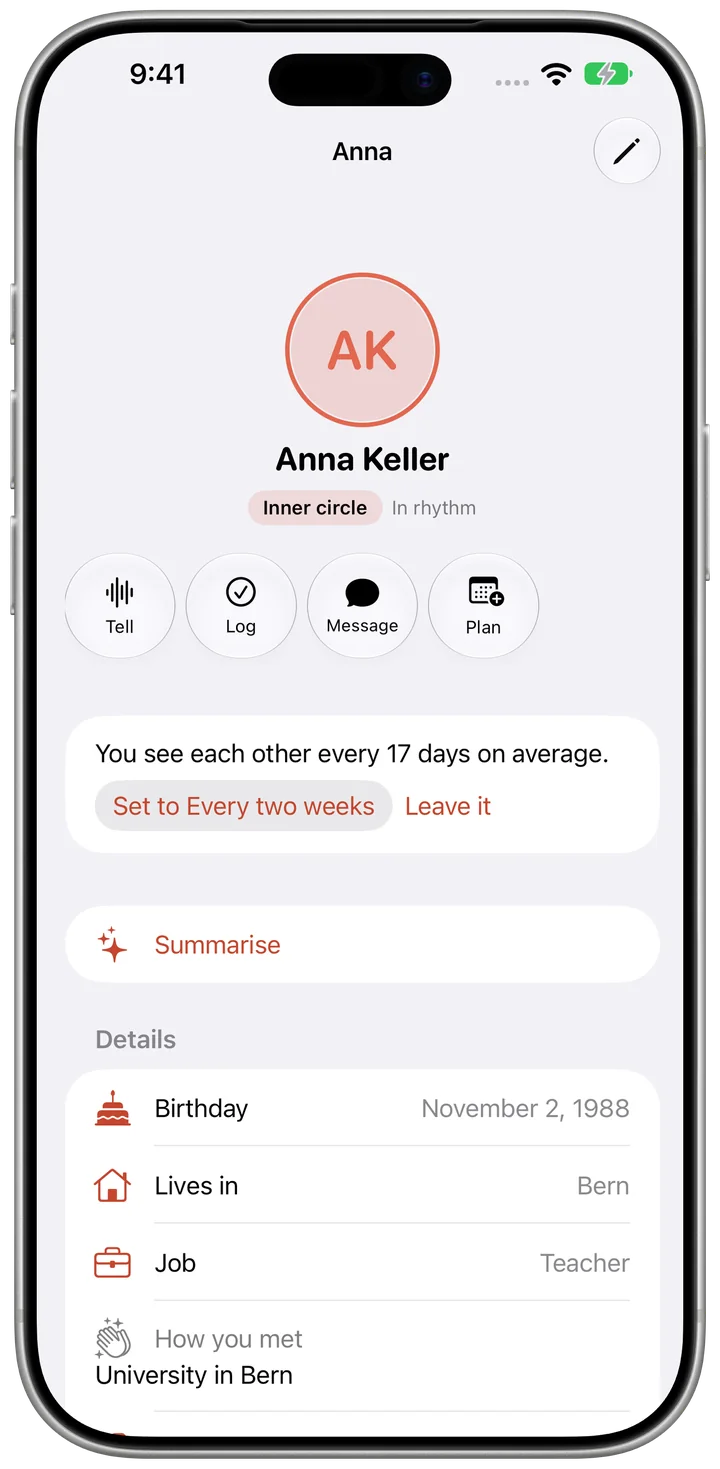
  1. Open a person and tap “Edit” at the top right.
  2. Under “Closeness”, choose the circle and the rhythm.
  3. Tap “Done”.
Set the keep-in-touch rhythm

Share My Card

  1. Open “My card” in Settings.
  2. Choose a level for each field: Only me, Family, Friends or Everyone.
  3. Under “Share”, choose for example “Share with friends” and invite people by name.

Protect Relation with Face ID

  1. In Settings under “Privacy”, turn on “Protect with Face ID or passcode”.
  2. Under “Lock after”, choose when Relation locks.

Frequently asked questions

Does Relation need an account?

No. There's no sign-in and no server of ours.

Where is my data?

On your device and, if you use iCloud, in your iCloud. We don't see any of it.

Does Relation work without Apple Intelligence?

Yes. Without Apple Intelligence, Relation finds details with fixed patterns on your device. Everything else works the same.

Is my recording saved?

No. The text is created on your device and the recording isn't saved.

How do I delete everything?

Settings, “Your data”, “Delete everything”. All sharing ends first.

Restore purchases

Open Settings in the app, tap the purchase and choose “Restore purchases”. It needs the same Apple Account you bought it with.

Contact

A question, a bug, a wish: write to us.

relation@bognar.net